Feature - Data Export & ImportFree

Workout data export and import
without lock-in.

Export workouts, templates, and progress metadata in open formats, or import existing training history with a preview-first conflict check.
Join the WaitlistAll Features
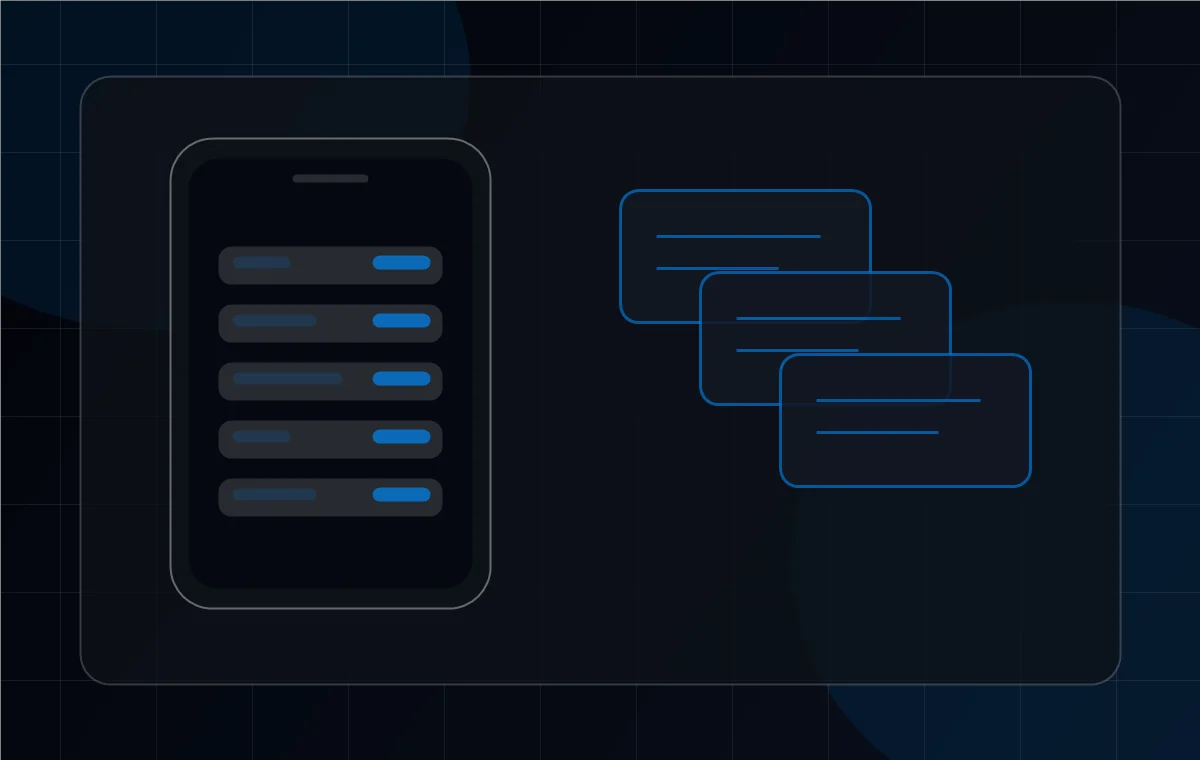
SuperFlex data export and import feature visual with file cards

Data Export & Import

What you can do with this feature

Each feature is built around a real training outcome, so you can make your next lifting decision with more confidence.

Avoid vendor lock-in

Your workout history should be readable outside the app that collected it.

Analyze your own training

CSV and JSON formats make it easier to use spreadsheets, scripts, or your own dashboards.

Move in without starting over

Import previews help you bring existing history forward while protecting what is already in SuperFlex.

How It Works

Simple workflow. Real-world training flexibility.

SuperFlex keeps the main path fast while preserving the context serious lifters need.

1

Export from settings

Generate a package for workouts, templates, progress metadata, preferences, and an export manifest.

2

Open CSV or JSON anywhere

Use CSV for spreadsheets and JSON for structured tools, scripts, or future imports.

3

Preview imports before committing

SuperFlex shows conflicts and duplicates before new data is added.

4

Keep templates and preferences portable

A restore should bring back more than workout rows. It should preserve the shape of how you train.

Why It Matters

A serious training log should not trap the history it helped build.

Data ownership is a trust signal. SuperFlex should earn your loyalty by being useful every week, not by making it hard to leave with the work you already did.

Free
  • Export workouts as CSV and JSON.
  • Include templates, progress metadata, and preferences.
  • Preview imports before changing existing history.

Related Features

Best as part of the full SuperFlex system.

Workout LoggingFree
Export the work you log every week.See feature details
Templates & RoutinesFree + Pro
Keep routines portable with your history.See feature details
Progress PhotosPro
Carry progress metadata with the training record.See feature details

FAQ

Common questions about Data Export & Import

What formats does SuperFlex export?
SuperFlex supports CSV for spreadsheets and JSON for structured portability.
Are templates included in export?
Yes. Templates and preferences are part of the portability story, not just individual workout rows.
Can I import from another app?
SuperFlex supports structured imports with preview and conflict checks. App-specific importers can be added as demand grows.
Can import overwrite my existing data?
No. The import flow previews conflicts before changes are applied, so existing history is protected from accidental overwrite.

Own the data behind every session.

Get early access to data export and import tools.

Get early access